
ChatGPT and CRM: working with enquiries through MCP

Robert MirovUpdated Oct 22, 2026
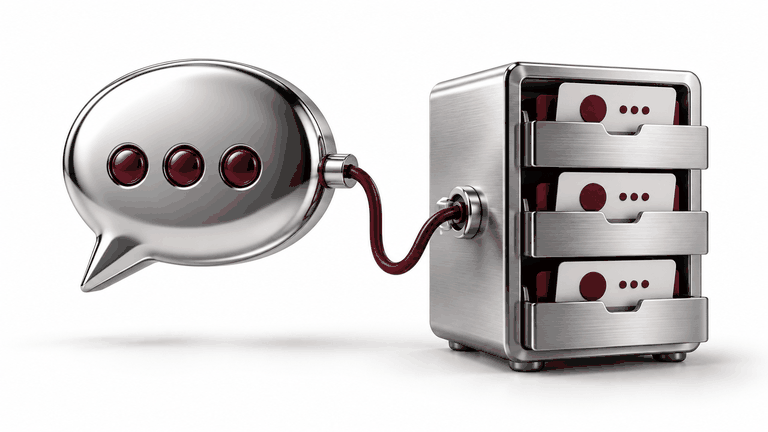
Which enquiries have not received a response? That is a useful question when the answer comes from actual CRM records. This guide covers the fields, checks and permissions needed to connect ChatGPT to a sales workflow.
01Define a question you can verify
02Choose the minimum fields
03Check the connection before implementation
04Separate reading from updating
05Test the awkward cases
06Measure the change in daily work
07Official sources and example boundaries
Summary
UZNEO can review a CRM workflow and build a limited pilot. The AI integration service explains the stages, access controls and deliverables.
Need help with a project?
Tell us about your task — we'll suggest a solution and price
Frequently asked questions
Will it work with any CRM?
That depends on the API, subscription, access rights and required actions. A product name alone does not establish compatibility.
Do we need a new customer-facing bot?
No. An internal assistant for employees and a public customer bot are different projects.
Will ChatGPT message customers automatically?
Only if sending is separately implemented and permitted. Start with search and draft preparation without sending.
How do we know it works?
Compare answers with known CRM records, test limitations and measure time spent handling enquiries before and after.
Related services

More articles
8
What is MCP, and when does a business need it?

Claude and company knowledge: answers with sources
Claude Code and Codex: connecting work tools through MCP
Ready-made connector or custom MCP server?
MCP, APIs, webhooks and plugins: the difference

AI for catalogues and inventory: products, prices and stock

AI reports: connecting Google Ads, GA4 and CRM

 Telegram