
MCP security: deciding what AI may access

Robert MirovUpdated Oct 22, 2026
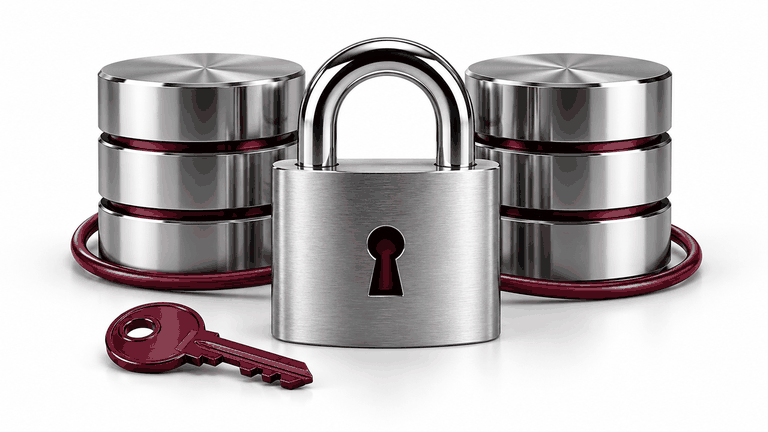
An instruction saying do not change anything is not an access-control system. Before connecting company information, define which people may see each record, what actions are permitted and how access can be revoked.
01Create a permission matrix
02Separate reading and writing
03Keep credentials outside conversations
04Treat outside text as data
05Log enough to investigate
06Test before granting access
07Official sources and example boundaries
Summary
For UZNEO AI integration, access and checks are agreed before launch. Compare standard and custom MCP when choosing the implementation.
Need help with a project?
Tell us about your task — we'll suggest a solution and price
Frequently asked questions
Should we provide an administrator password?
Prefer a separate integration identity with minimum permissions. A password pasted into a conversation is unsuitable for access segregation.
Is approving actions in chat enough?
No. The server must still verify the user, object and permitted fields.
Is read-only access harmless?
No. Reading can disclose confidential or personal information, so it also needs restrictions.
How do we disable the assistant?
Revoke access in the source and connection, then check tokens and sessions. The steps depend on the authentication design.
Related services

More articles
8
What is MCP, and when does a business need it?
ChatGPT and CRM: working with enquiries through MCP

Claude and company knowledge: answers with sources
Claude Code and Codex: connecting work tools through MCP
Ready-made connector or custom MCP server?
MCP, APIs, webhooks and plugins: the difference

AI for catalogues and inventory: products, prices and stock


 Telegram