
Web development4 min readOctober 16, 2026
A website admin panel: what can you edit yourself?

Robert MirovUpdated Oct 16, 2026
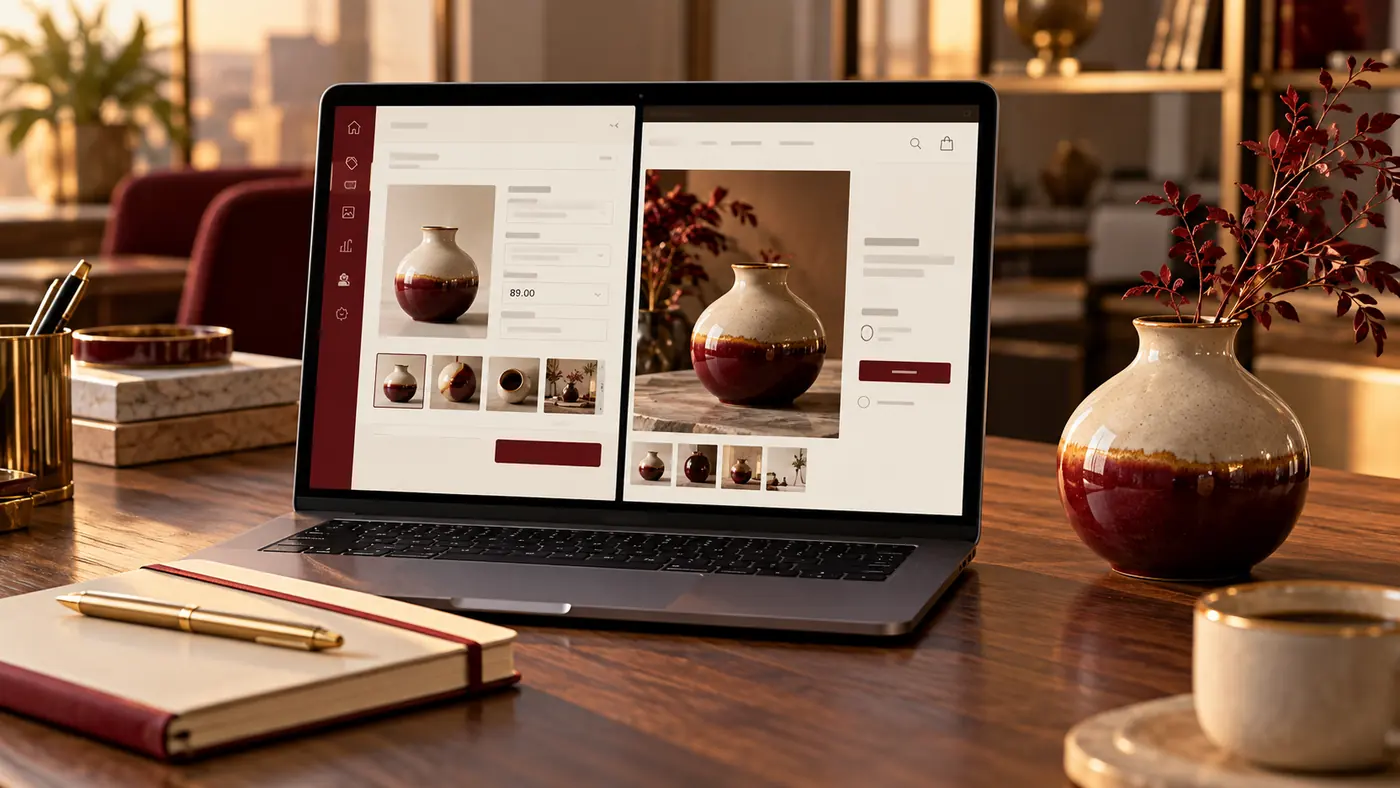
A website admin panel lets staff change agreed content without editing code. A login alone does not mean every part of a page can be safely redesigned. Before development, list routine actions: changing a price, adding a product, replacing a photograph or translating a service.
01What an admin panel and CMS do
An admin panel is the restricted management area; a CMS manages website content. It can be an existing product or a custom interface. The useful question is which operations staff can perform clearly and reliably.
A fictional school updates class times and fees. Structured date, group, price and publication fields can be more useful than unrestricted control over every page block.
02Specify actions rather than edit everything
List what changes, how often, who enters it and who approves it. Include language versions: translating a heading must not leave outdated terms elsewhere.
| Action | Check | |
|---|---|---|
| Change a price | Format, currency and other displays | |
| Add a photo | Size, crop and description | |
| Create a service | Page address and required fields | |
| Update a language | Completeness and navigation |
A preview shows changes before publication and helps catch layout mistakes.
03Define roles and recovery
An editor may change content, a manager handle enquiries and an administrator control access. The exact roles depend on the system and specification. Full access is unnecessary for many jobs.
Agree on individual accounts, access recovery and removal when staff leave. Revision history and rollback must be requested if important; a panel does not automatically provide them. Backups and editorial history solve different problems.
04Let the real editor test acceptance
Ask a staff member to create a draft service, replace a picture, change a price, check contact details and publish using the instructions. Then review it on a phone and in a second language. Try a long heading, missing required field and incorrect file.
If a routine action needs a developer, clarify whether that is an agreed limit or a missing feature. A changed product price must also update every related listing where it is used.
05Know what remains development work
The panel controls the functions it was designed for. New payment logic, permissions, integrations or complex page structures may require code. Document the boundary between content changes and functional changes.
Request practical training, concise instructions and a support process. Compare website platforms and understand post-launch maintenance.
06Frequently asked questions
Can everything be changed without code?
Only within the provided capabilities. New business logic and integrations may still require development.
Must the panel be custom-built?
No. An existing CMS may be sufficient. Custom interfaces need a clear operational reason.
Does every employee need full access?
Usually not. Agree permissions by operation and responsibility, with individual accounts where supported.
What should training cover?
Creating and publishing content, pictures, prices, languages, error correction and contacting support.
Summary
UZNEO can discuss a content-managed website or product catalogue. Send recurring editing tasks and staff roles. Agree on fields, languages and the actions you will test during acceptance.
Define an admin panel staff can use
Send your website or example and required tasks. UZNEO can define functions, editing and acceptance checks.
Related services


More articles
8

Web development3 min
Website cost in Tashkent: how to compare quotations
Web development4 min read
How to create a free business website
Web development4 min read
Catalogue website or online store: which fits?
Web development4 min read
Website maintenance: what do you pay for?

Web development4 min read
Can AI create a working business website?

Web development3 min
Ten website mistakes: finding and verifying the correction

Web development3 min
Landing page or multi-page website: choose from one example

Web development4 min

 Telegram