
CRM / Automation4 min readOctober 16, 2026
CRM for a shop: customers, orders and repeat sales

Robert MirovUpdated Oct 16, 2026
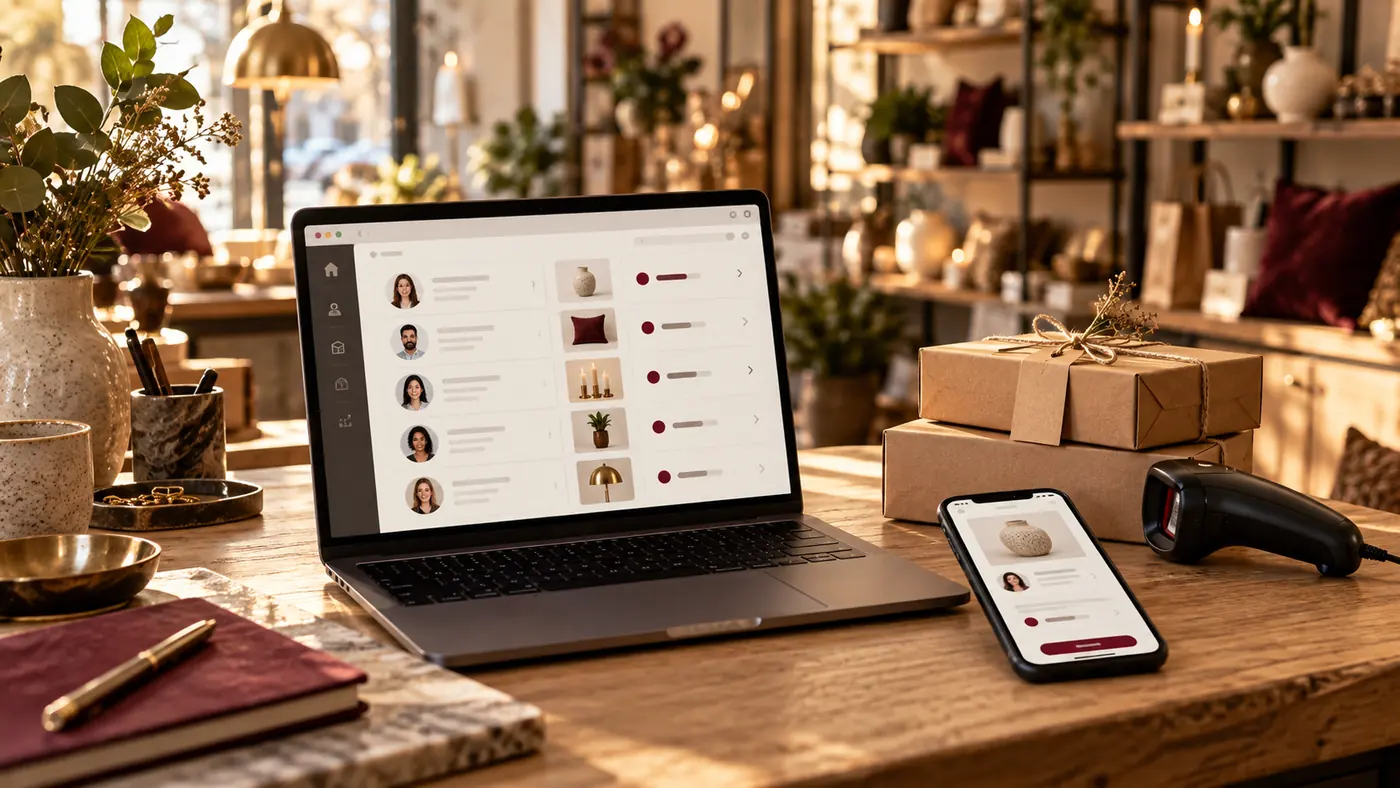
A shop CRM primarily manages the customer relationship: who contacted you, what they ordered, who owns the request and what happens next. It does not automatically replace inventory or accounting. Follow a fictional lighting-shop order from a Telegram question through product selection, reservation, payment and collection.
01Separate customers, orders and products
CRM records customers and interactions. A customer record holds contact details and history; an order holds items, terms and status. Inventory tracks product codes, stock and movements. These records connect but are not interchangeable.
One customer making three purchases is one customer and three orders. Different product variants need distinct identifiers. Otherwise reports can merge products or create duplicate records.
02Define the source of truth
A source of truth is the system where a value is maintained authoritatively. Inventory software may own stock while the CRM displays a synchronised value. Decide who changes prices, creates reservations and releases them.
| Data | Agreement needed | |
|---|---|---|
| Customer | Matching and duplicate rules | |
| Order | Number, items, amount and owner | |
| Stock | Authoritative system and update timing | |
| Payment | Confirmed status linked to an order |
Verify APIs, plans and limits before promising instant synchronisation.
03Make order stages actionable
A possible flow is new enquiry, selection, waiting for a decision, confirmed order, collection and completion. Each stage needs an owner and next action. A waiting status without a follow-up date does not guide an employee.
Record lost-sale reasons separately from successful orders. Link repeat enquiries to customer history. Any post-purchase messaging should follow the chosen channel's rules and the agreed communication permissions; possessing a phone number is not blanket permission.
04Test exceptions before rollout
Pilot the workflow with one customer contacting you through both the website and Telegram, an item becoming unavailable, a double save and an unavailable inventory connection. Define the expected outcome for each.
Failures should not silently lose requests, and retries should not create extra orders. Reconcile reservations and sales against the primary inventory system. See the CRM channel integration guide.
05Choose a manageable first version
Begin with customers, orders, tasks, roles and one enquiry source. Let employees complete typical operations before importing the entire database. Sales reports require meaningful statuses and consistently entered data.
Use a ready-made CRM when it covers essential workflows. Custom development is justified by important requirements that reasonable configuration cannot address. Compare options using the CRM selection guide, including training and support.
06Frequently asked questions
Will CRM replace inventory software?
Not necessarily. Features vary, and CRM often exchanges data with a separate inventory system.
Can online and offline orders be combined?
Yes, with agreed identifiers, sources and exchange rules, subject to verified integration availability.
How are duplicate customers handled?
Define matching and merging rules and test them on a copy. A shared field does not always identify the same person.
Do we need a custom CRM immediately?
No. Test essential workflows in an existing product first. Build custom software when specific requirements justify it.
Summary
UZNEO can help with CRM for your shop workflow, an online-store connection or a Telegram bot. Prepare an order example, current systems and the inventory source. Start with one end-to-end process and acceptance criteria.
Connect shop customers and orders
Send the workflow, request fields and connected systems. UZNEO can define a first version and acceptance checks.
Related services


More articles
8

CRM3 min
How to choose a CRM for a business in Uzbekistan
Telegram bots4 min read
How to create a Telegram bot yourself
Telegram bots4 min read
How much does a Telegram bot cost?

CRM2 min
CRM for small business: follow one enquiry

CRM3 min
CRM implementation: stages, testing and team handover

CRM3 min
amoCRM, Bitrix24 or custom CRM: test the same deal

CRM2 min
CRM integration with Telegram, Instagram and a website: one enquiry

Telegram bots4 min

 Telegram