 AI
 MCP
 WORKSHOP · PARTS
01 / UZNEO
Built for your goal.
Your data and sources
GENERAL / UZNEOYour business systems. One clear conversation.
Connect AI assistants to your CRM, website, catalog and reports. Ask in plain language and get answers from your own systems instead of searching across dashboards. We build MCP servers, plugins and tools around specific business tasks.
These are the service work areas. We agree on the exact scope, timeline and final price before the project starts.
Show open work orders and pending parts.
Repair status, technician and pending items; customer replies use recorded facts.
Changes require confirmation
Your data and sources
GENERAL / UZNEORole-based access
Scenarios tested before launch
Documentation and project handover
Link work orders to parts availability while separating technician and administrator permissions.
This is an example implementation scope. Final functions depend on your system and its available API.
Repair status, technician and pending items; customer replies use recorded facts.
WORKSHOP · PARTS
Work order, vehicle, repair stage, required parts, stock and assigned technician.
Start with a recurring task that takes staff time every day. Connect the sources it needs and check the output against real examples.
Find a customer, review interaction history, list unanswered leads and prepare the next step.
Show today’s requests that have no manager response.
Check a product code, availability, variants and current price in your inventory system.
Is this SKU in stock, and what is the wholesale price?
Compare CRM and advertising data for a chosen period, showing the source and update time.
Summarize last week’s requests and spend by source.
Locate an order or document, prepare a status update and route a task to the responsible person.
Find the order, check its status and draft a task for its owner.
The MCP protocol connects AI assistants to tools and data in your systems. Plugins add functions within a supported platform. Give AI specific tools and clear rules. Define the accessible data and the expected result for each scenario before implementation.
For example: find unanswered orders or check stock before sending a quote.
A tool retrieves data through an API, including the required fields, source and operation status.
A list, report or prepared action. If information is missing, the assistant says so.
Order changes, outgoing messages and other agreed operations follow the rules set for your project.
CRM, websites and CMS, inventory and catalogs, spreadsheets, analytics and internal databases. We first check the API, authentication and service requirements.
Customers, deals and contact history. Find records by name or number, review unanswered requests and prepare the next step.
Status · owner · latest contactCatalogs, orders and website inquiries. Use available system methods to avoid manual copying between dashboards.
Order · product · inquiryStock, SKUs, pack units and price tiers. Check the product code and warehouse before returning a result.
SKU · warehouse · unit · priceFind rows and summarize approved spreadsheets. Agree on sheets, columns and permissions; enable writes separately.
Sheet · range · update timeAdvertising and sales figures for the same period. Agree on metrics and source-matching rules.
Period · spend · requests · sourceTargeted queries through server-side tools. Return permitted fields with clear error responses.
Allowed fields · filters · limitsConnection options depend on the platform: tools, remote servers and authentication support vary. AI subscriptions and third-party services are budgeted separately.
Review an existing MCP server, configure permissions and test scenarios when the required functions are already available.
An existing tool supports the service and covers the required workflow.
Create tools for your CRM, catalog or internal system with the fields, validation and rules you need.
You need custom actions, fields or a workflow across multiple systems.
Add sources and scenarios, adapt to API changes and maintain the connection within an agreed scope.
A working connection needs new workflows, staff access or data sources.
Separate reading data from changing it. Grant only the required functions and keep credentials on the server. Agree on logging and retention before launch.
Begin with search, reports and viewing records. Enable data changes separately.
Verify that staff can only see authorized records and fields. Restricted data must stay out of responses.
Decide which operations require a person to review them before execution.
Test cancellation and repeated confirmation so one action is not executed twice.
Missing data, rejected API requests or expired access return a clear reason, not a fabricated success.
Test empty results, expired access and unavailable sources. Every case needs a clear status.
Since 2018 — 50+ projects across Uzbekistan. 10 companies in active parallel support. No subcontractors, no agency markup: brief, development, ads and support — handled personally.
Code · Ads · Analytics
Choose a scenario and check systems and access.
Demonstrate it on a limited dataset.
Check responses, permissions and failure cases.
Connect staff and deliver the project and documentation.
Scope depends on the number of systems, API availability, user permissions and action complexity. Agree on deliverables, timeline and price before development. Development and maintenance are priced separately.
Not necessarily. We can add tools to an AI assistant you already use. A separate interface or bot can be scoped if needed.
We check the specific CRM's API and permissions. If an appropriate API is unavailable, we suggest another data exchange method or explain the limitation.
Only within the agreed scope. The connection can remain read-only. Important changes can require confirmation and parameter validation.
The agreed tools, project access or source code as specified in the contract, documentation and tested scenarios. Hosting and support are agreed separately.
Choose a recurring task and a criterion before starting: reporting time, search completeness or operation accuracy. Compare the same examples before and after integration.
“They made a calculator and registration in a 1C bot for our warehouse. I'm happy with the work and recommend them 100%.”
“I recommend them — a great inventor.”
“Very good service! I am happy with the quality and the way I was treated. I recommend them!”
“Super”
“I really like this service. We've worked with them for six months, and the collaboration started paying off from the second week. The team are true professionals, always available even on weekends, and resolve questions quickly. UZNEO are the best; I recommend them to everyone!”
“I really liked the work. My orders were completed exactly as I wanted. I recommend them to everyone.”
“Respect — they completed my orders perfectly. I recommend them. He was very pleasant to deal with, and I have more orders for him.”
“They did great work and made it the way we wanted.”
“Great!”
“A top-notch professional who knows his work. He built a bot, a website funnel, a full program, a web service and more for me. I recommend him.”
Choose an industry, city or area for a relevant example and connection plan. We work online and handle access and implementation remotely.
Practical AI, MCP and plugin guides: workflows, permissions and verifiable results.
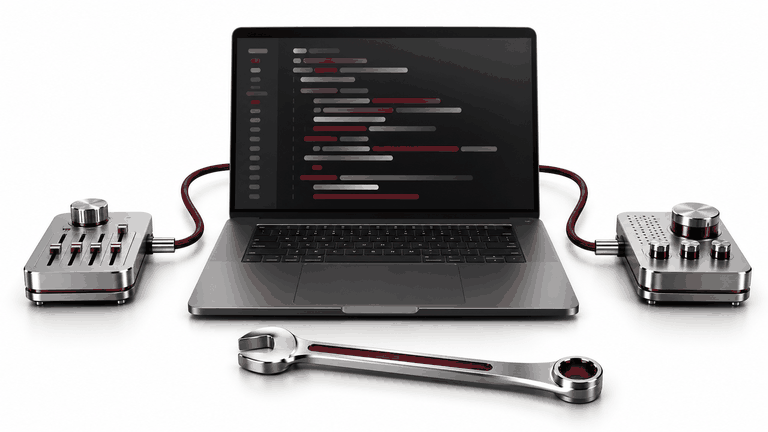
Use Claude Code and Codex with company tasks, documentation and APIs: practical MCP workflows, permissions and change verification.
Read article ↗
Connect AI to product and inventory data: item codes, variants, price freshness, available stock, reservations and acceptance tests.
Read article ↗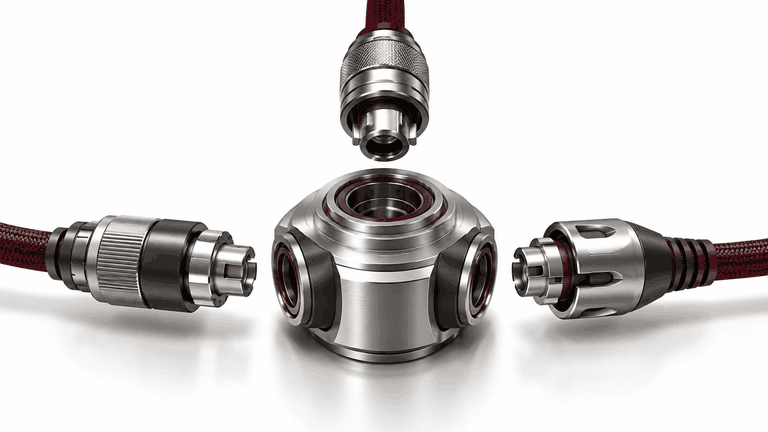
How MCP connects AI assistants to CRM, catalogues and documents: practical examples, access limits and a first integration pilot.
Read article ↗Tell us which systems you use and what you want AI to do. We will check connection options and propose a clear first stage.

Pick a topic — Telegram opens with a ready message

















 Google Reviews


 Telegram